
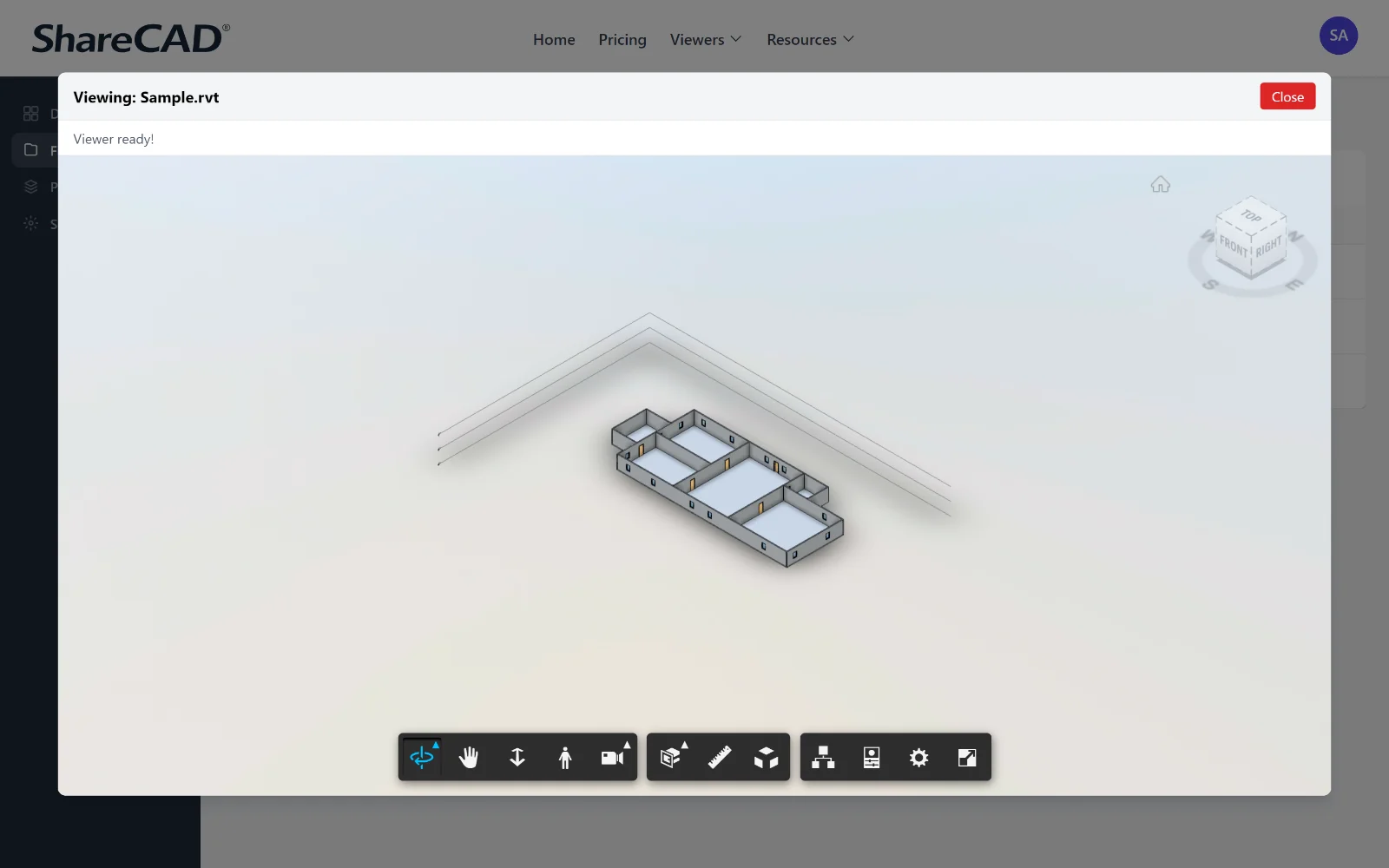
Why Use a Browser-Based Revit Viewer
Autodesk Revit is a significant annual subscription. Requiring every client, consultant, and stakeholder who needs to view a model to hold their own license is neither practical nor cost-effective. A browser-based Revit viewer removes that barrier entirely.
- ✓No Revit license required, View RVT files without an Autodesk subscription, saving thousands per seat per year for viewers
- ✓Works on any device, Clients on Mac, iOS, or any OS can open the model, Revit is Windows-only
- ✓Secure sharing, Share Revit models via expiring links with optional password protection
- ✓Consistent experience, Everyone sees the same model via browser, no version compatibility issues
- ✓No account for recipients, Clients open the shared model without creating an Autodesk account
Viewing Revit Files Without a License
Autodesk Revit is the industry-standard BIM authoring tool for architecture, structural engineering, and MEP. An RVT file contains the complete building model, geometry, components, families, schedules, and annotation. Opening it normally requires Revit or Revit LT, with annual subscription costs that make it impractical to distribute to every stakeholder who needs to review the model.
A Revit viewer online through ShareCAD solves this. The RVT file is processed once via an Autodesk conversion, after which it renders in any browser. Clients, planning authorities, structural consultants, and contractors all view the same model via a link, on any device, without a Revit license.
ShareCAD also supports IFC, which is the open format Revit can export to. If you prefer a format-agnostic workflow, see the IFC viewer page for details on sharing BIM models without proprietary format dependency.
Revit Viewer Use Cases
Client design reviews
Share the Revit model with clients at design milestones. They review the full building model in their browser without a Revit subscription or a Windows machine.
Consultant coordination
Structural, MEP, and civil consultants often work in different software. Sharing the Revit model via a link gives them visual access for coordination without requiring matching software.
Planning and regulatory submissions
Planning authorities can view the submitted Revit model in a browser for visual review, removing the requirement for specific software at their end.
Contractor and subcontractor access
Main contractors and specialist subcontractors can access the current model via a ShareCAD link during construction, without a Revit license requirement.
Open Your Revit File Now
Upload an RVT file and view the BIM model in your browser. Share it with clients, consultants, and contractors, no Revit license required.
Store, view, and share your CAD files in one place · 14-day free trial, then $149/month.