
Why Use a Browser-Based DWG Viewer
- ✓No software installation, works in any modern browser on any OS
- ✓Works on any device, desktop, laptop, tablet, or phone
- ✓Secure file sharing, generate expiring share links with optional password protection
- ✓Instant viewing, no processing queue, no waiting; DWG files open immediately
- ✓No account required to view, share a link and anyone can open the drawing
What Is a DWG File?
DWG is the native file format for AutoCAD, Autodesk's industry-standard drafting software. It stores 2D drawings and 3D models, floor plans, site maps, mechanical assemblies, electrical schematics — and is one of the most widely used file formats in engineering, architecture, and construction.
Despite its popularity, opening a DWG file typically requires AutoCAD or a compatible desktop application, both of which come with licensing costs and OS restrictions. A DWG viewer online removes that barrier. Anyone with a link can open the drawing in a browser without purchasing or installing anything.
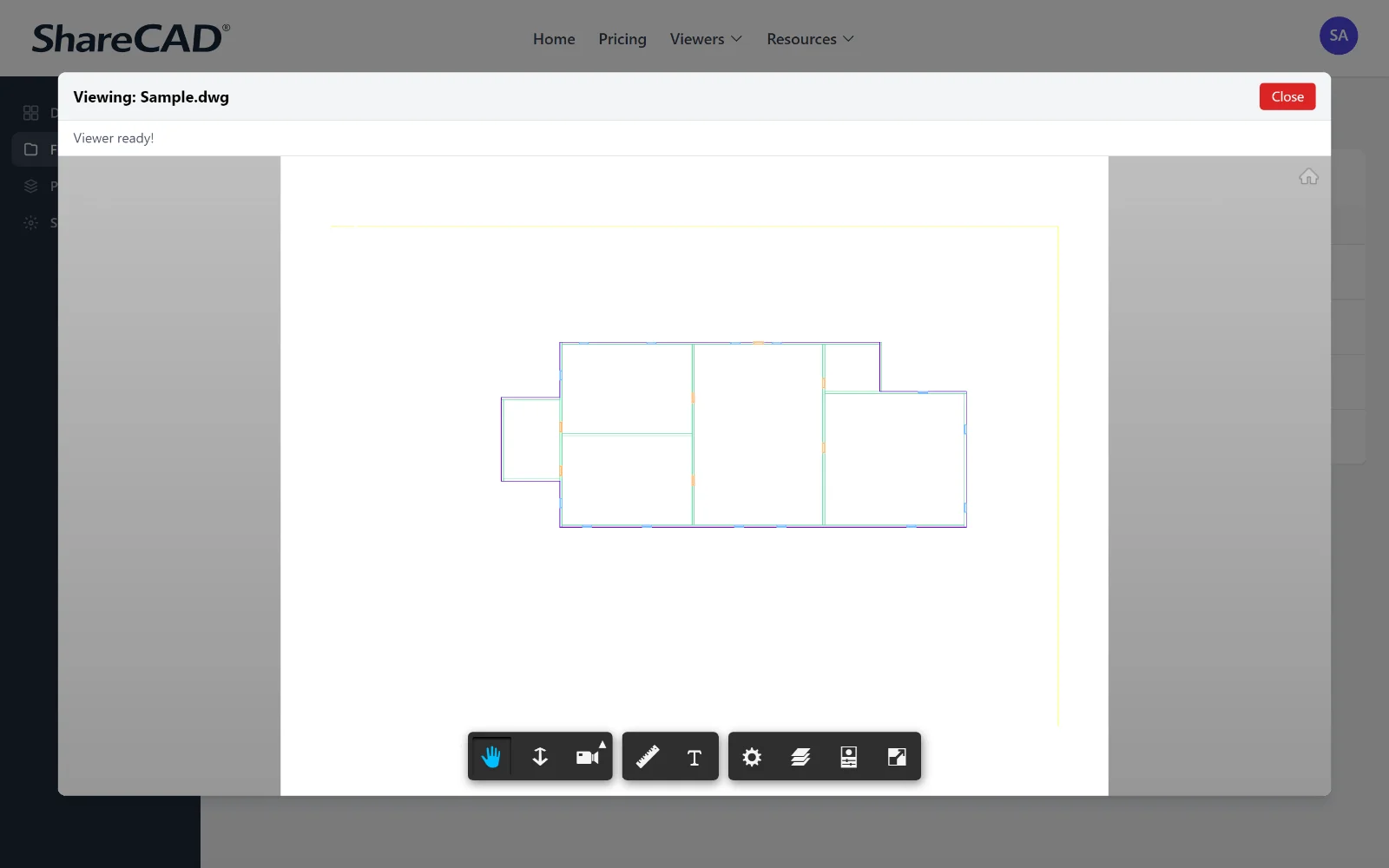
ShareCAD makes it straightforward to open DWG files without AutoCAD. Upload the file to your account, and you receive a shareable link that renders the drawing in a full browser viewer, complete with zoom, pan, and layer visibility controls. Recipients need only a web browser; no account, no download, no setup.
Common Use Cases for Viewing DWG Files in a Browser
The ability to view CAD files in a browser without desktop software is especially useful in shared workflows where not everyone has the same tools.
Sharing drawings with clients
Clients rarely have AutoCAD installed. Sending a DWG file by email creates a support burden. A ShareCAD link lets them open the drawing in their browser immediately, on any device, without assistance.
Reviewing drawings on site
Contractors and site managers often need to reference drawings from a phone or tablet. A browser-based DWG viewer means the latest revision is always accessible without a laptop or specific software.
Cross-team collaboration
When design, procurement, and project management teams work on the same project, not all of them use CAD tools. An online DWG viewer gives non-technical team members direct access to the source drawing without conversion or export.
Receiving files from external teams
If a consultant or supplier sends you a DWG file and you do not have a compatible viewer installed, a browser-based tool is the fastest path to actually seeing what was sent.
How to Open a DWG File Without AutoCAD
You do not need AutoCAD or any other desktop CAD application to view a DWG file. ShareCAD handles the rendering entirely in the browser, which means the process is the same whether you are on Windows, macOS, Linux, or a mobile device.
Upload your DWG file
Sign in to ShareCAD and upload your DWG file. Most files are ready to view immediately after upload.
Open the viewer
Click the file to open it in the browser viewer. Zoom, pan, and inspect the drawing without any software.
Share via a secure link
Generate a share link to send to clients, contractors, or colleagues. They open the drawing in their browser, no account or installation needed.
Learn more about securely sharing CAD files with ShareCAD.
Open Your DWG File Now, No Software Needed
Upload a DWG file and open it instantly in your browser. Sign up to store files, generate share links, and control access for clients and colleagues.
Store, view, and share your CAD files in one place · 14-day free trial, then $149/month.
Also: view all CAD formats online · secure CAD file sharing · CAD file sharing for construction